What is a navlog?
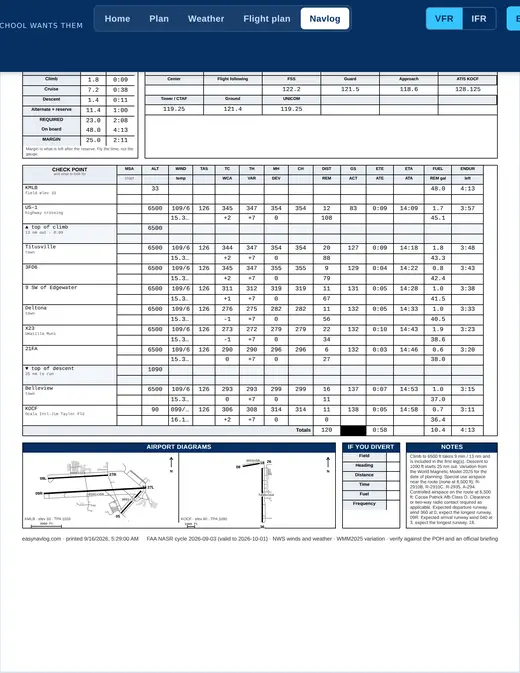
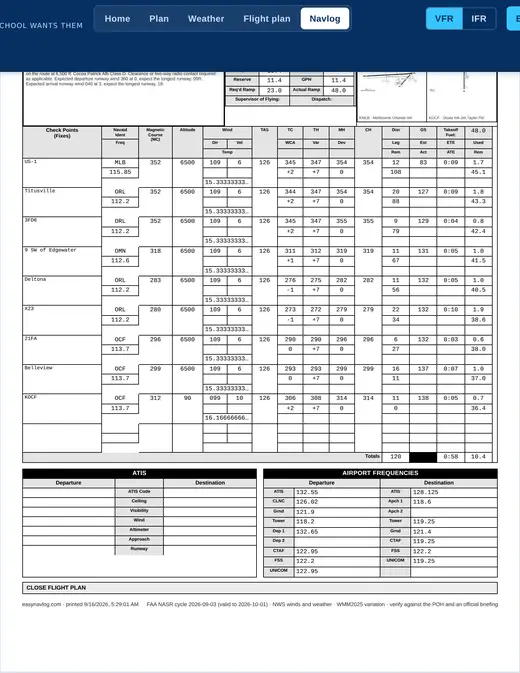
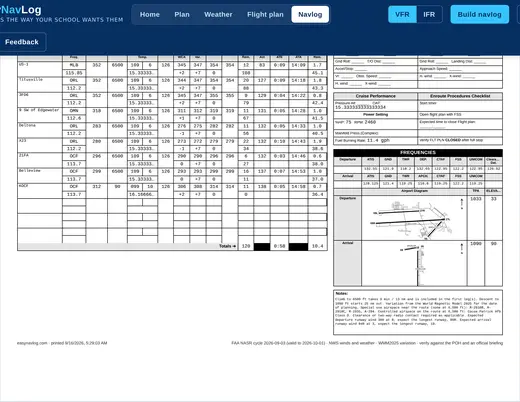
A navigation log, usually shortened to navlog or nav log, is the sheet you fill in before a cross-country flight. It breaks the route into legs and records the course, heading, distance, wind, ground speed, time and fuel for each one, so you can fly the trip on a clock and a compass and know at every checkpoint whether you are where you planned to be.
Can I make navlogs in my own flight school's format?
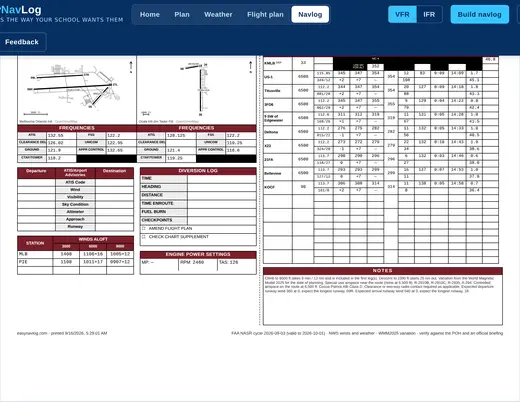
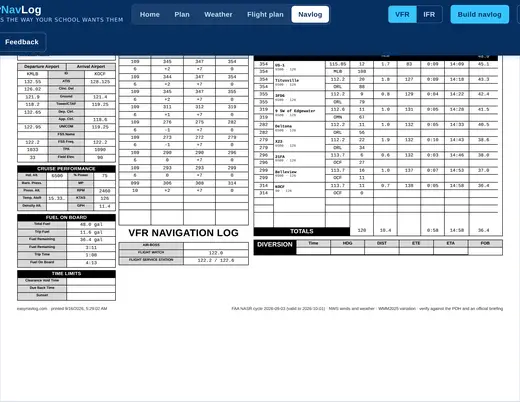
Yes. That is the reason EasyNavLog exists. Most schools and universities require their own navigation log form rather than the generic one, and copying numbers from ForeFlight or SkyVector onto that form by hand is the tedious part. Pick your school's layout and the finished navlog prints in it.
Is it free?
The standard EasyNavLog layout is free on every flight, with no account needed to build your first one. School specific layouts are the paid part. Pro is $9.99 a month with a 14 day free trial, and you can cancel any time before the trial ends.
Where do the winds aloft and weather come from?
The National Weather Service. Winds aloft come from the FB forecast covering your departure time and are interpolated to your cruising altitude rather than rounded to the nearest panel. METARs and TAFs are matched to the time you will actually be over each field, not to right now.
How accurate are the numbers on the navigation log?
Courses and distances come from the current FAA NASR airport and navaid data, and magnetic variation is computed from the World Magnetic Model for your date of flight rather than read off a chart. It is a planning and training aid, so verify it against your POH and an official weather briefing before you fly.
Can I use it for an IFR flight plan too?
Yes. Airways, fixes and preferred routes are included, and the finished log prints alongside an ICAO flight plan form.
Do I still need to know how to fill out a navlog by hand?
Yes, and your examiner will expect it. The guides walk through every column in the order you fill it, and the How it works page shows the arithmetic for a leg of your own flight so you can check it against your E6B rather than taking the software on faith.